Sheilas sjakkskole
Sjakktrening for alle nivåerTaggsky
Woodpecker Exercises – Tactics with Repetition
Now we’ve combined tactics, themes, repetition, rating, and leaderboards.
Click on the puzzle piece in the top menu bar, then choose Woodpecker puzzles. Or use this link.
If you haven’t solved any woodpeckers before, or if you don’t have any to review, simply click the radio button Solve new tasks.
You can select none, one, or several themes.
The task rating is set by default to be 50 points below your rating up to 50 points above, but you can change that if you like.
If you choose No to automatically move on to the next exercise, you’ll get some information about the problem — like its rating, a link to the source on lichess, and the themes connected to it.
You can either win or lose rating only once per tactic per day.
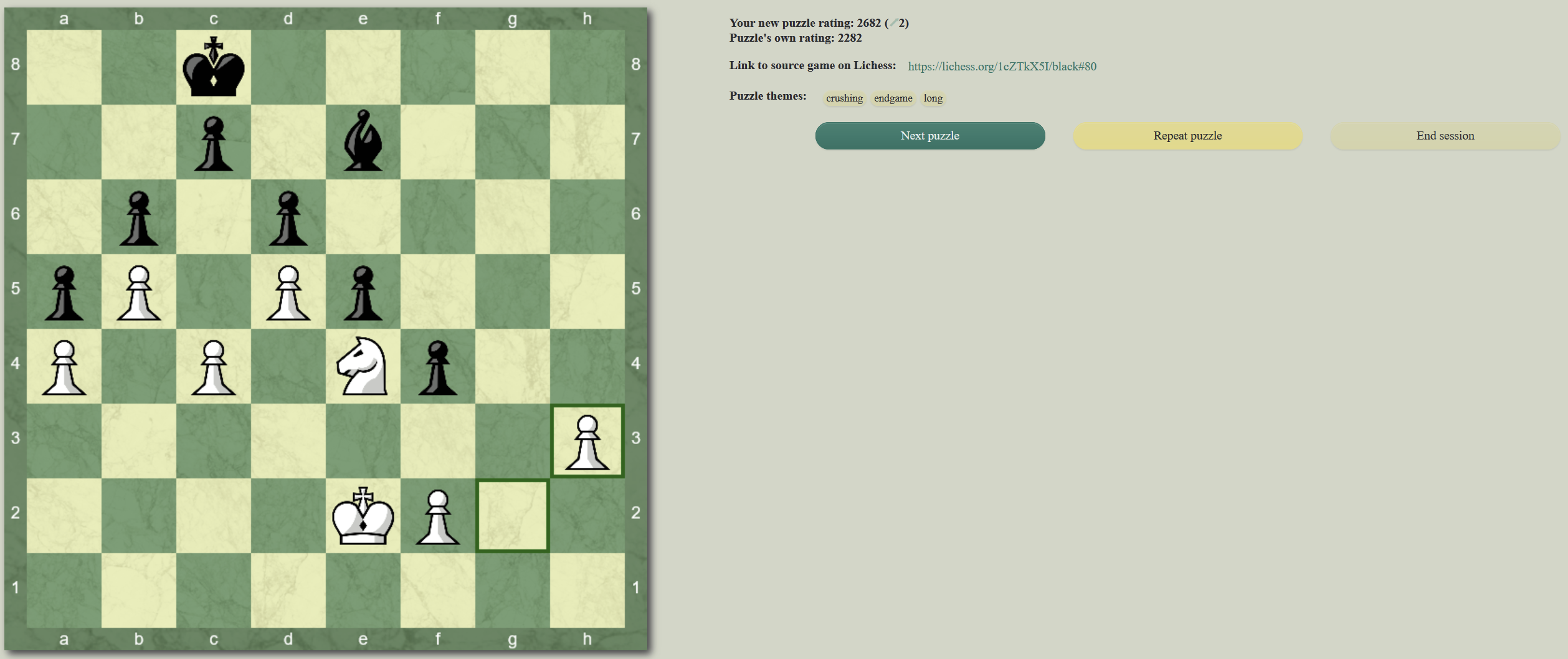
For those who want to overtrain, we’ve added a Repeat puzzle button. That lets you repeat the same solution as many times as you like before you click Next puzzle or close the window.
And here’s the icing on the cake:
Repetitions :-)
You choose whether you want to solve the same tactic 4 or 6 times. By default, it’s set to Standard. That means all tactics you solve correctly will come back after 2, 10, and 30 days. If you also want repetitions on day 5 and day 20, you can change it to Advanced under Settings/Profile.
Problems you get wrong will return for repetition after 24 hours.
When you enter the Woodpecker page, the default is intentionally set to Repetitions, because I believe it’s best to always review if you have the opportunity.
Planned functionality
- Statistics on which themes you perform well on and which ones you struggle with.
- Suggestions for themes to do more exercises on.
- A list over the puzzles you solve every day and the solutions you suggested.
- Access for the trainer to see the woodpeckers their students have solved.
Kommentarer
Bloggnavigasjon
Matchende innlegg
2026 (6)
2025 (18)
desember (1)
november (1)
oktober (1)
september (3)
juli (1)
juni (4)
februar (3)
2024 (26)
desember (2)
oktober (1)
september (1)
august (3)
juli (3)
juni (4)
mai (3)
april (4)
mars (3)
2023 (20)
desember (2)
november (2)
oktober (1)
september (1)
august (1)
april (1)
mars (8)
- Dagsavisen lørdag 25. mars
- Ny funksjonalitet: SPILLETRENEREN, tren fra VALGFRI stilling mot Stockfish på nivå 0-20
- Sjakkfestival på The Good Knight 25. og 26. mars
- Dagsavisen lørdag 18. mars
- Dagsavisen lørdag 11. mars
- Arbeid med den store basen vil føre til ustabilitet i helga
- Bruksanvisning på trekkterperen
- Perpetual chess podcast